Skip to main content
Use Identity Verification in HaloPSA Tickets - Without CyberQP Account Matching
Prerequisites
Verify End-user identities in HaloPSA omnipod Ticket for an unmatched end-user account
1. In Halo PSA, open a service ticket that was emailed in by an end-user or created manually.
Note: The Email address or Mobile Phone number for the Halo PSA contact must be populated
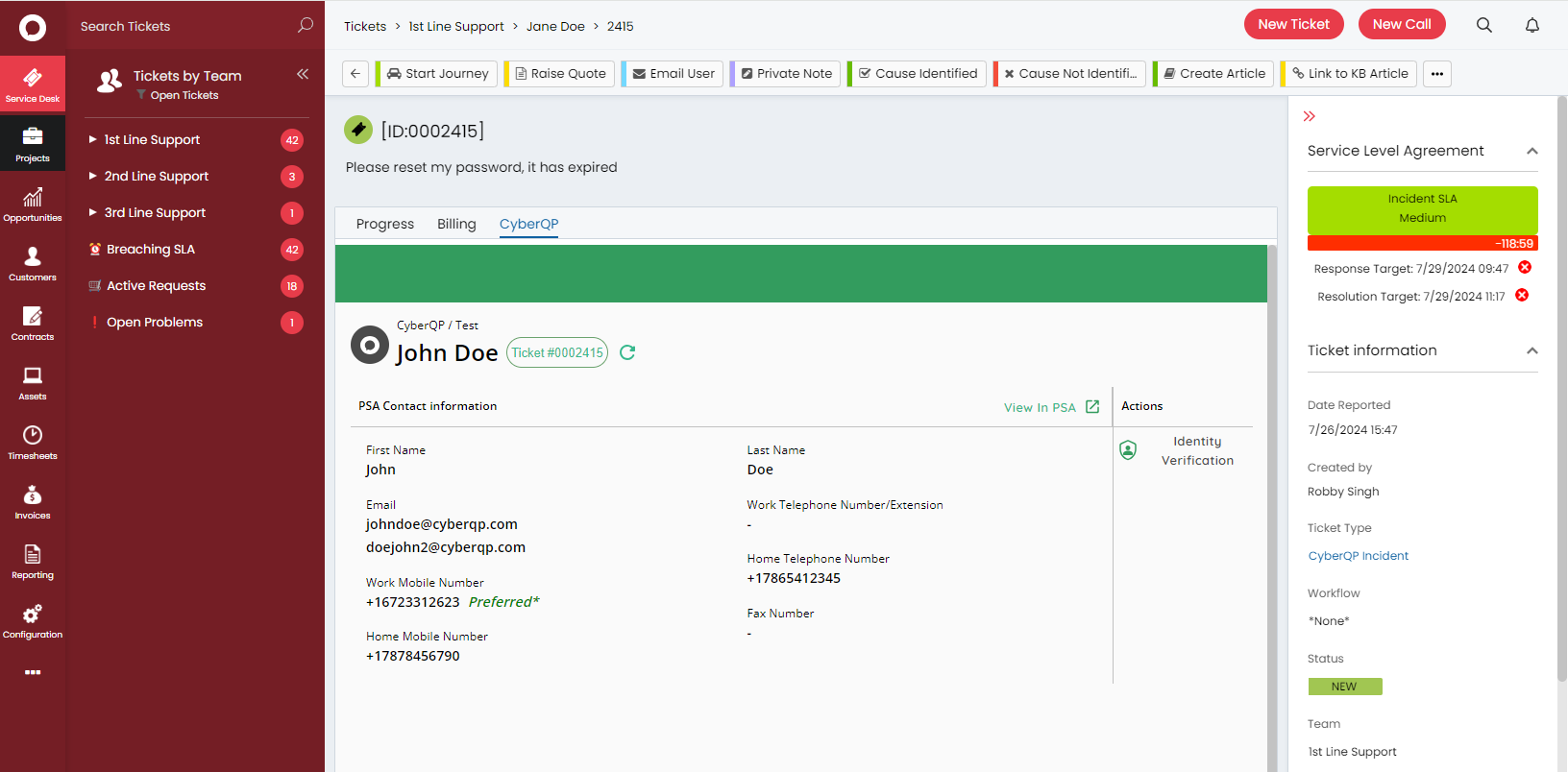
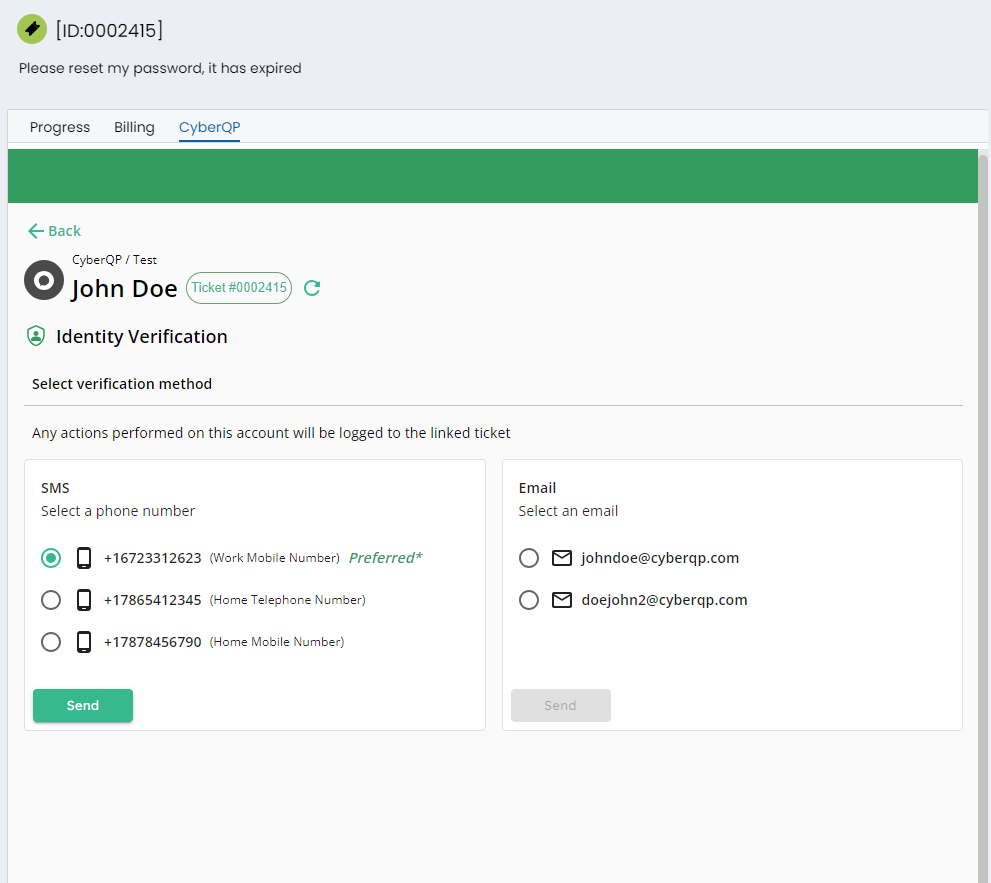
2. Click on 'Identity Verification' to launch a new screen with options to select the required phone number and email id. Click on 'Send'.
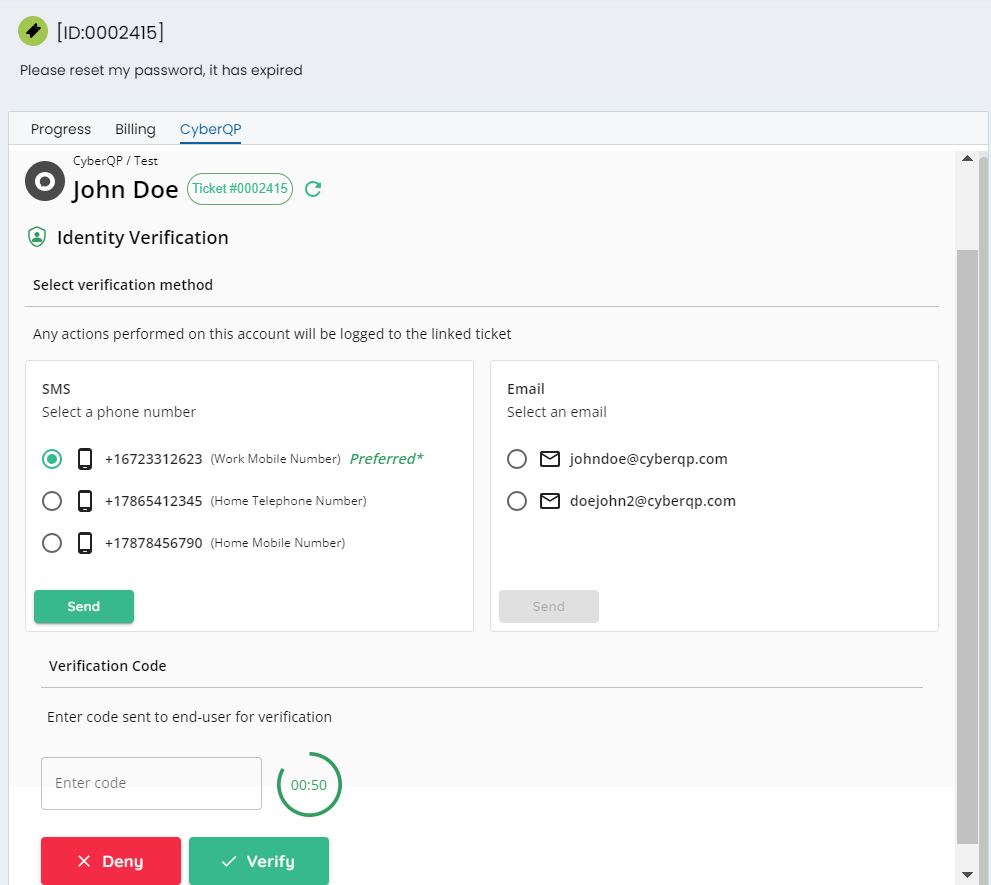
3. Enter the code on the screen before the 1 minute timer runs out, received by the end-user to validate their identity.
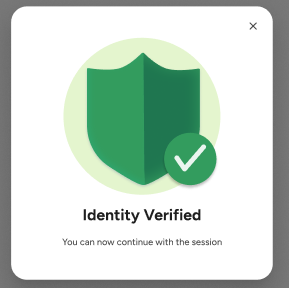
a. If the entered code is correct, the end-user identity gets verified, and the following banner is displayed
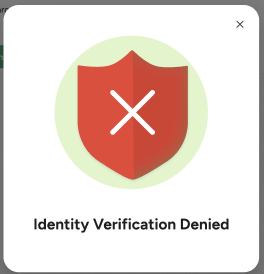
b. If the entered code is incorrect, the end-user identity is not verified, and the following banner is displayed
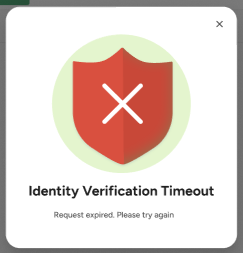
c. If the code isn't entered within a minute, the following banner is displayed
Click on 'x' or outside the modal to close it.
Comments
0 comments
Article is closed for comments.